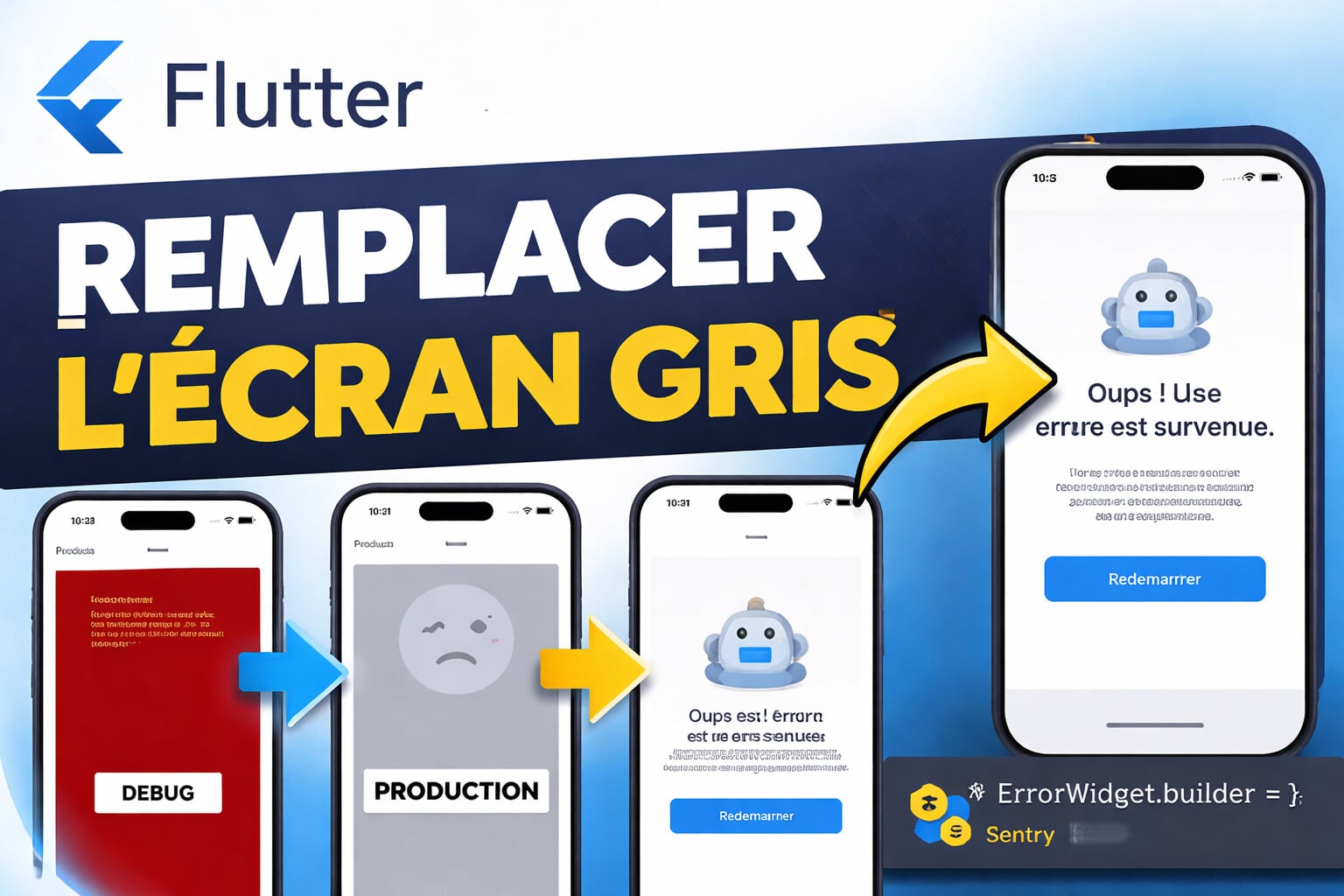
Flutter: remove the gray screen of death in production
Sommaire
Introduction – why the grey screen is a problem
When the build, layout or paint of a widget fail, Flutter calls ErrorWidget.builder.
In debug, the framework shows a red rectangle detailing the stack trace; in release, it renders a neutral grey background to avoid exposing sensitive information to the public (Handling errors in Flutter).
Unsightly and textless, this screen does not reassure the user!
Understanding the Flutter error handling chain
This section clarifies who catches the error, when, and how to customize the response.
1. FlutterError.onError : the first link
- Role : global handler invoked for any error detected on the Flutter stack.
- Default : calls
FlutterError.presentError, which simply prints the log. - Customization : replace it with your function; you can still call
presentErrorto keep the console trace (onError property - FlutterError class - foundation library - Dart API). - Scope : synchronous framework errors, including those triggered during
setState,build,layoutorpaint.
🧠 Good to know – Because it runs before painting,
onErrorlets you route the exception to Crashlytics while leaving rendering toErrorWidget.builder.
2. ErrorWidget.builder : the screen that replaces the faulty widget
- When is it called ? When an exception occurs during the build phase.
- Default behavior :
- Debug/Profile : red rectangle + message.
- Release : plain grey background (aka grey screen of death) (Handling errors in Flutter).
- Customization : define your own builder to return a UX-friendly component — clear text, sufficient contrast, back button.
3. Dart Zones and runZonedGuarded : catching asynchronous errors
- Problem : futures detached from the Flutter stack do not reach
onError. - Solution : wrap
runAppwith arunZonedGuarded; any asynchronous error in that zone is redirected to your customonErrorcallback (runZonedGuarded function - dart:async library - Dart API - Flutter, Zones | Dart). - Bonus : in production, this prevents an Isolate crash or the complete blocking of the application.
4. PlatformDispatcher.onError : last native safeguard
- Context : an error can originate from a plugin or a method channel executed on the engine side (C++/JNI).
- Callback :
PlatformDispatcher.instance.onErrorreceives the exception and the native stack. - Convention : return
trueif you have handled the problem; otherwise Flutter will terminate the process (Handling errors in Flutter).
➡️ Temporal sequence
| Step | Who captures? | Example error | Customization possibilities |
|---|---|---|---|
| 1 | FlutterError.onError | setState on a disposed widget | Log + trigger Crashlytics |
| 2 | ErrorWidget.builder | Division by zero in build() | Render a fallback screen |
| 3 | runZonedGuarded | Timeout in a Future | Automatic retry of the zone |
| 4 | PlatformDispatcher.onError | Android NullPointerException | Display of a native fallback screen |
Thus, no exception should reach the user without passing through at least one of these hooks.
Step-by-step tutorial
1. Initialize a global Error Boundary (main.dart)
import 'dart:ui';
import 'package:flutter/material.dart';
import 'package:flutter/foundation.dart';

Future<void> main() async {
  WidgetsFlutterBinding.ensureInitialized();

  // 1. Capture Flutter synchrones
  FlutterError.onError = (details) {
    FlutterError.presentError(details);          // Log locale
    _report(details.exception, details.stack);   // Crashlytics / Sentry
  };

  // 2. Capture erreurs natives (plugins, channels)
  PlatformDispatcher.instance.onError = (error, stack) {
    _report(error, stack);
    return true;                                 // Erreur considérée gérée
  };

  // 3. Capture erreurs asynchrones hors pile Flutter
  runZonedGuarded(
    () => runApp(const MyApp()),
    (error, stack) => _report(error, stack),
  );
}

void _report(Object error, StackTrace? stack) {
  // TODO : intégrer FirebaseCrashlytics.instance.recordError(...)
}
This triple interception covers the cases documented by the Flutter team (Common Flutter errors, Handling errors in Flutter).
2. Create an accessible CustomErrorScreen (WCAG 2.2)
class CustomErrorScreen extends StatelessWidget {
  final Object error;
  const CustomErrorScreen(this.error, {super.key});

  @override
  Widget build(BuildContext context) {
    return Scaffold(
      backgroundColor: Colors.white,
      body: Center(
        child: Semantics(
          label: 'Erreur critique',
          child: ConstrainedBox(
            constraints: const BoxConstraints(maxWidth: 320),
            child: Column(
              mainAxisSize: MainAxisSize.min,
              children: [
                const Icon(Icons.error_outline, size: 96),
                const SizedBox(height: 24),
                Text(
                  'Oups ! Un incident est survenu.',
                  style: Theme.of(context).textTheme.headlineSmall,
                  textAlign: TextAlign.center,
                ),
                const SizedBox(height: 12),
                Text(
                  'Notre équipe a été notifiée. Vous pouvez relancer l'application.',
                  textAlign: TextAlign.center,
                ),
                const SizedBox(height: 32),
                ElevatedButton(
                  onPressed: () => runApp(const MyApp()),
                  child: const Text('Redémarrer'),
                ),
              ],
            ),
          ),
        ),
      ),
    );
  }
}
- Minimum contrast 4.5:1 (WCAG 2.2 SC 1.4.3).
- Descriptive message : satisfies criterion 3.3.1 "Error Identification" (Understanding Success Criterion 3.3.1: Error Identification | WAI - W3C).
- Activation :
ErrorWidget.builder = (details) => CustomErrorScreen(details.exception);
3. Log to Crashlytics or Sentry
import 'package:firebase_crashlytics/firebase_crashlytics.dart';

void _report(Object error, StackTrace? stack) {
  FirebaseCrashlytics.instance.recordError(error, stack);
  // Ou: Sentry.captureException(error, stackTrace: stack);
}
These platforms aggregate the error, the stack, the device context and trigger real-time alerts.
4. Unit & widget tests
testWidgets('CustomErrorScreen remplace le widget fautif', (tester) async {
  ErrorWidget.builder = (d) => CustomErrorScreen(d.exception);
  await tester.pumpWidget(const BrokenWidget());   // Simule un widget erroné
  expect(find.byType(CustomErrorScreen), findsOneWidget);
});
The Handling errors in Flutter guide details injecting a MaterialApp.builder for more complex tests (Handling errors in Flutter).
Conclusion
Key points
- The grey screen hides an unhandled exception; it harms trust and retention.
- Combine
FlutterError.onError→ErrorWidget.builder→runZonedGuarded→PlatformDispatcher.onErrorto capture all scenarios. - Display a
CustomErrorScreencompliant with WCAG, then report the incident to Crashlytics or Sentry.
Comments
Loading...